Tipsey offers you the ability to delete your account and all data associated with it.
– Authentication data – Stripe account – User data and location
How can I delete my account?
Tipsey mobile app offers the functionality to delete your account in a simple way.
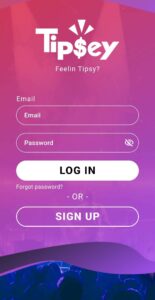
Log in with your Tipsey account.
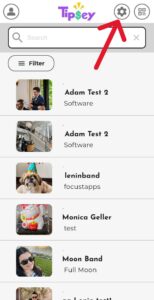
Tap on Settings (the gear button at the top of the screen).
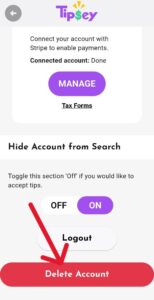
Scroll down to the bottom of the screen and press the "delete account" button.
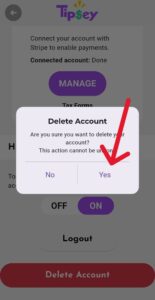
Press "Yes".
Remember that all your data will be deleted!
All set!
Important!
Remember that once your account is deleted there is no way to recover your data. You can create a new account using the same email but it will not contain the same information as before.